Use the Zoom app on your phone to capture in-person discussions. Filenote AI will automatically pull the audio to generate your documentation.
How to Record
Launch: Open the Zoom app on the Phone
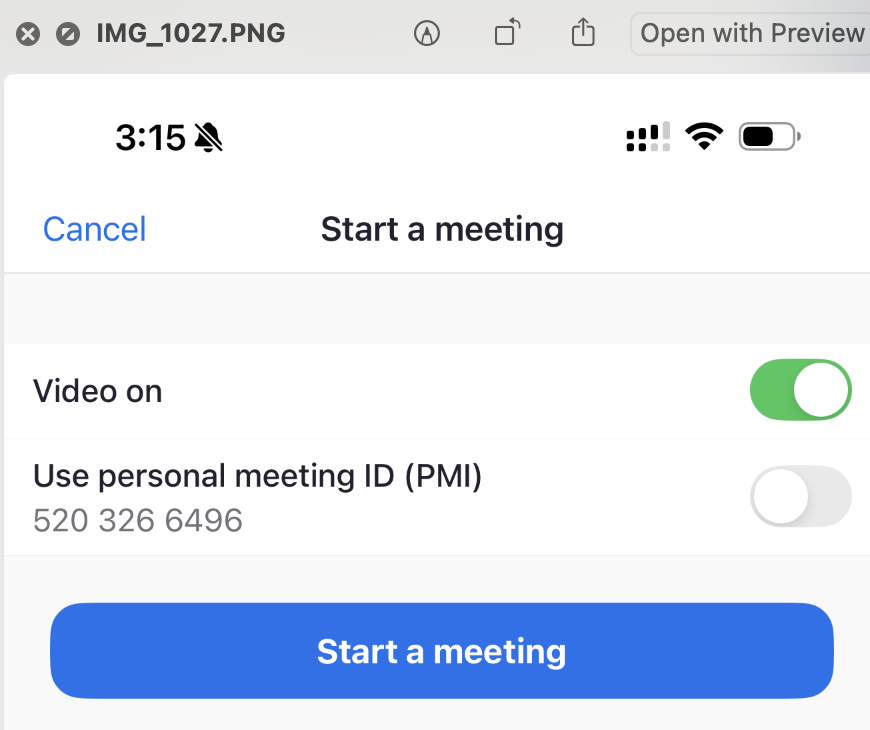
Start Meeting: Tap Start a Meeting.

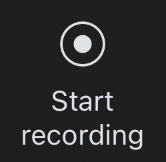
Record: Tap More (three dots) and select Record to the Cloud.

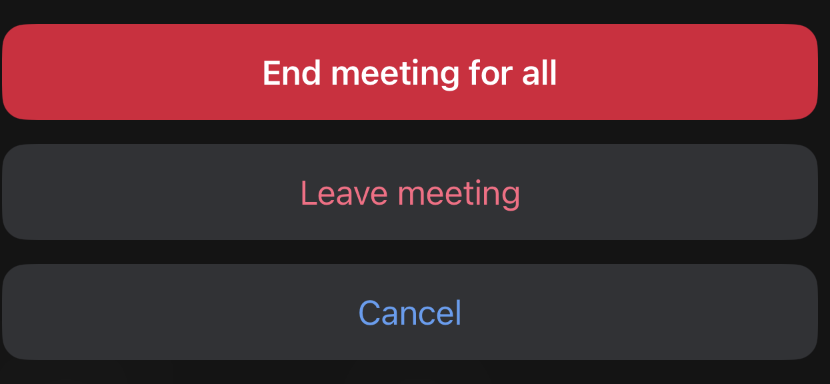
Finish: Once the meeting concludes, tap End and select End Meeting for All.

⚠️ Important: Ensure your phone is not muted and keep the screen on throughout the session to prevent the recording from cutting out.
What Happens Next?
Once you hit "End," our platform takes over the heavy lifting:
Retrieval: We automatically pull the audio file from your Zoom Cloud.
Generation: Filenote AI creates your specific outputs, such as Mind Maps and Letters of Engagement.
Delivery: Your documents are sent directly to the Tasks section of the platform.
Review: You can then review, edit, and finalize everything in one place.
Was this article helpful?
That’s Great!
Thank you for your feedback
Sorry! We couldn't be helpful
Thank you for your feedback
Feedback sent
We appreciate your effort and will try to fix the article