Setting Up the Filenote AI Platform
Get up and running in 3 simple steps:
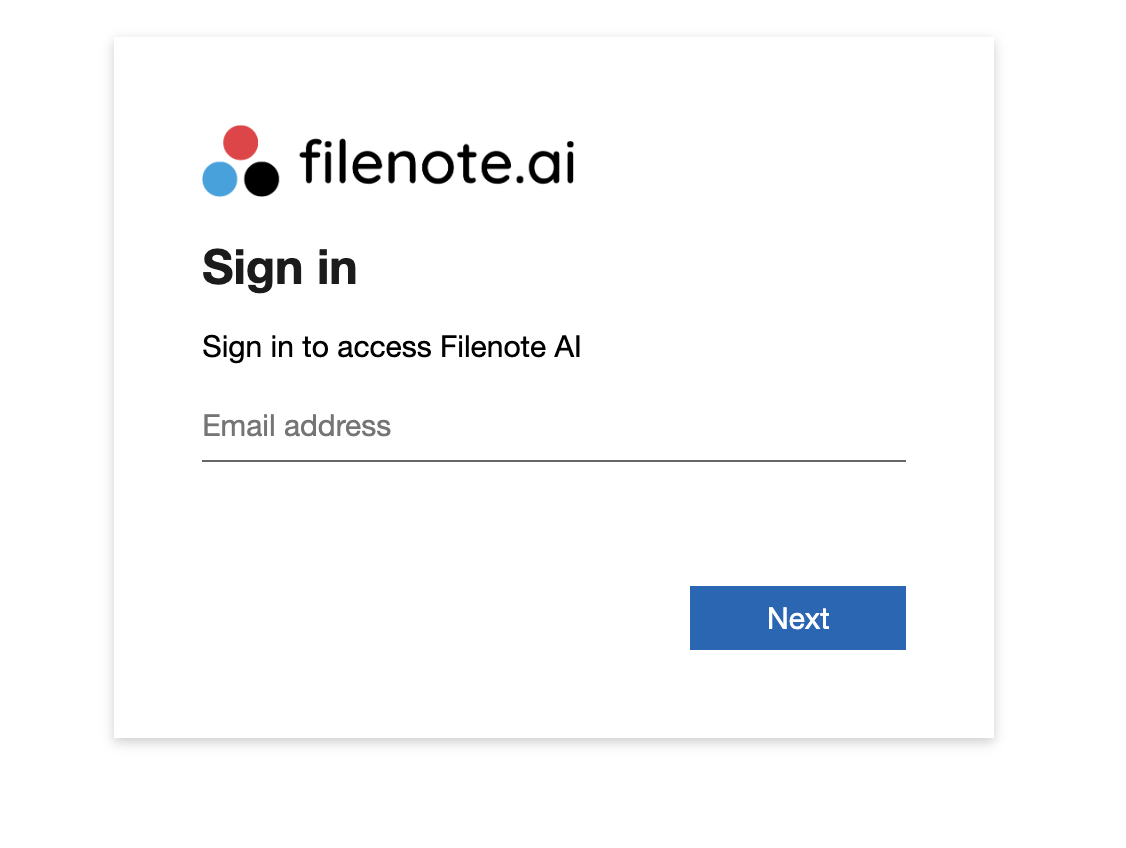
Step 1 — Log In to the Filenote AI App
Go to app.filenote.ai and sign in with your Microsoft credentials.
Step 2 — Grant IT Consent
Your IT administrator needs to approve the platform before you can proceed. Forward them the message below:
| ⚠ Action Required "Hi IT Team, please click this IT Admin Setup Link to grant our team access to the Filenote AI platform." |
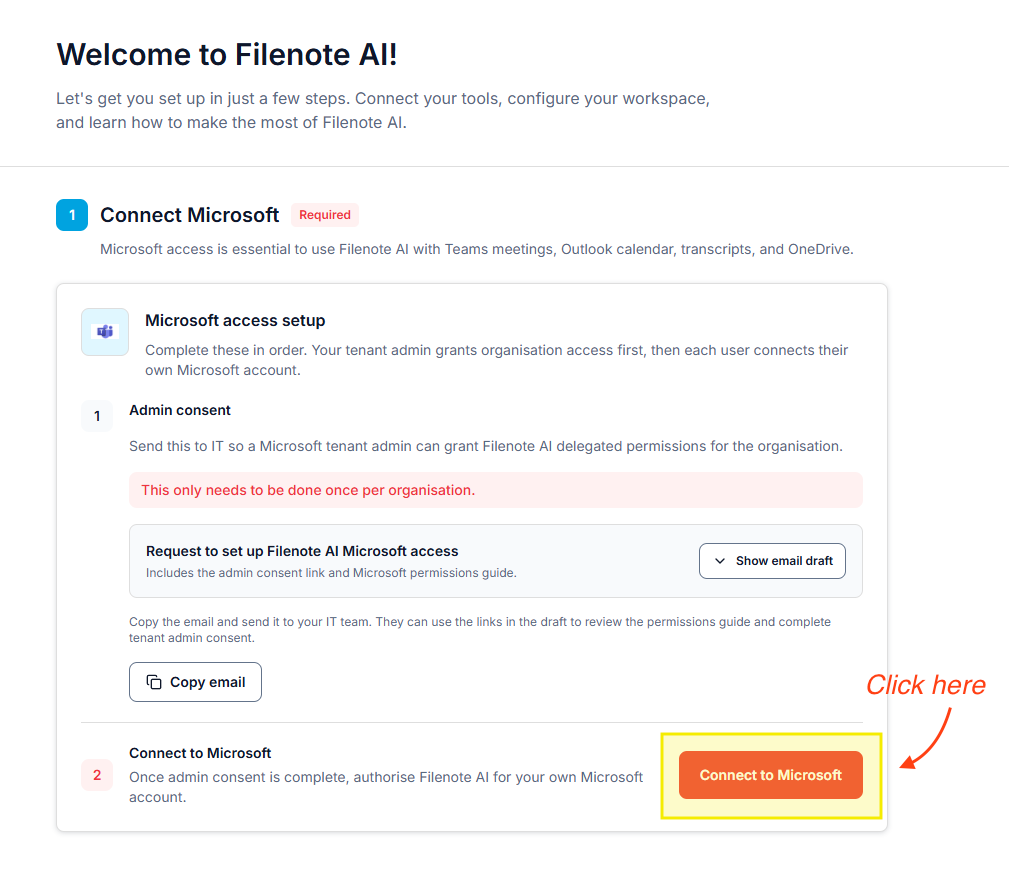
Step 3 — Link Your Microsoft Account
Once logged in, navigate to the Getting Started tab and click "Connect Microsoft."
| ✓ Need to add support staff? Access for your support team is completely free — no extra charges. Email their addresses to support@blvsolutions.com. |
| ? Want a guided walkthrough? Book a 20-minute onboarding call |
| Need help? If you run into any issues or have questions, our support team is here to help. Email Support → |
Was this article helpful?
That’s Great!
Thank you for your feedback
Sorry! We couldn't be helpful
Thank you for your feedback
Feedback sent
We appreciate your effort and will try to fix the article