This article explains how to record an in-person meeting using your Zoom app on your Phone
Step 1: Log on to Zoom App on Phone

Step 2: Go to 'Meetings'

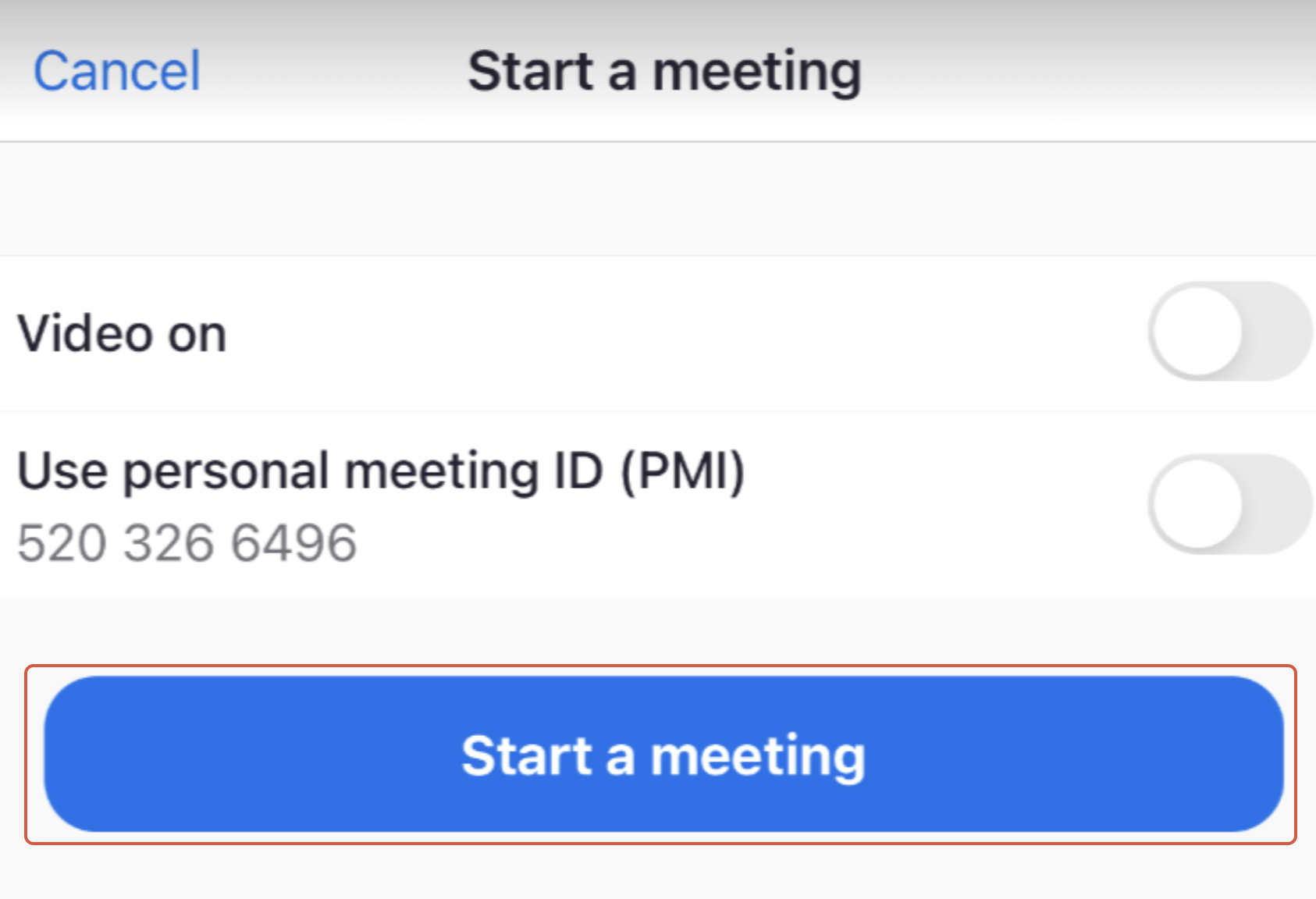
Step 3: To create a new meeting, select 'New Meeting' Icon, and Click ‘Start a Meeting’.

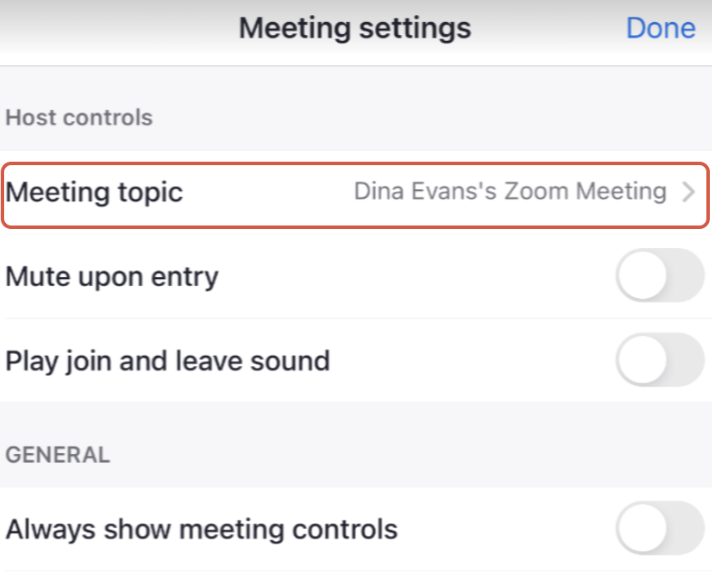
Step 4: If required, rename the meeting using appropriate key words to trigger the correct artefacts
- Go to 'More', select 'Meeting Settings', Click 'Meeting topic' and enter the correct key words
Step 5: Select 'Record' (option is on the bottom of screen)

Step 6: Select 'End' and 'End meeting for all' at the end of your meeting

Please note:
We will automatically generate the artefacts for you once you leave the meeting
Ensure you are not muted and the phone screen is on throughout the meeting.
Ensure your microphone is not connected to your headphones
Was this article helpful?
That’s Great!
Thank you for your feedback
Sorry! We couldn't be helpful
Thank you for your feedback
Feedback sent
We appreciate your effort and will try to fix the article