If you have an existing audio file or multiple recordings from a single session, you can upload them directly to the platform for processing
Access the Tab: Go to the Meet & Record tab in the main navigation menu.
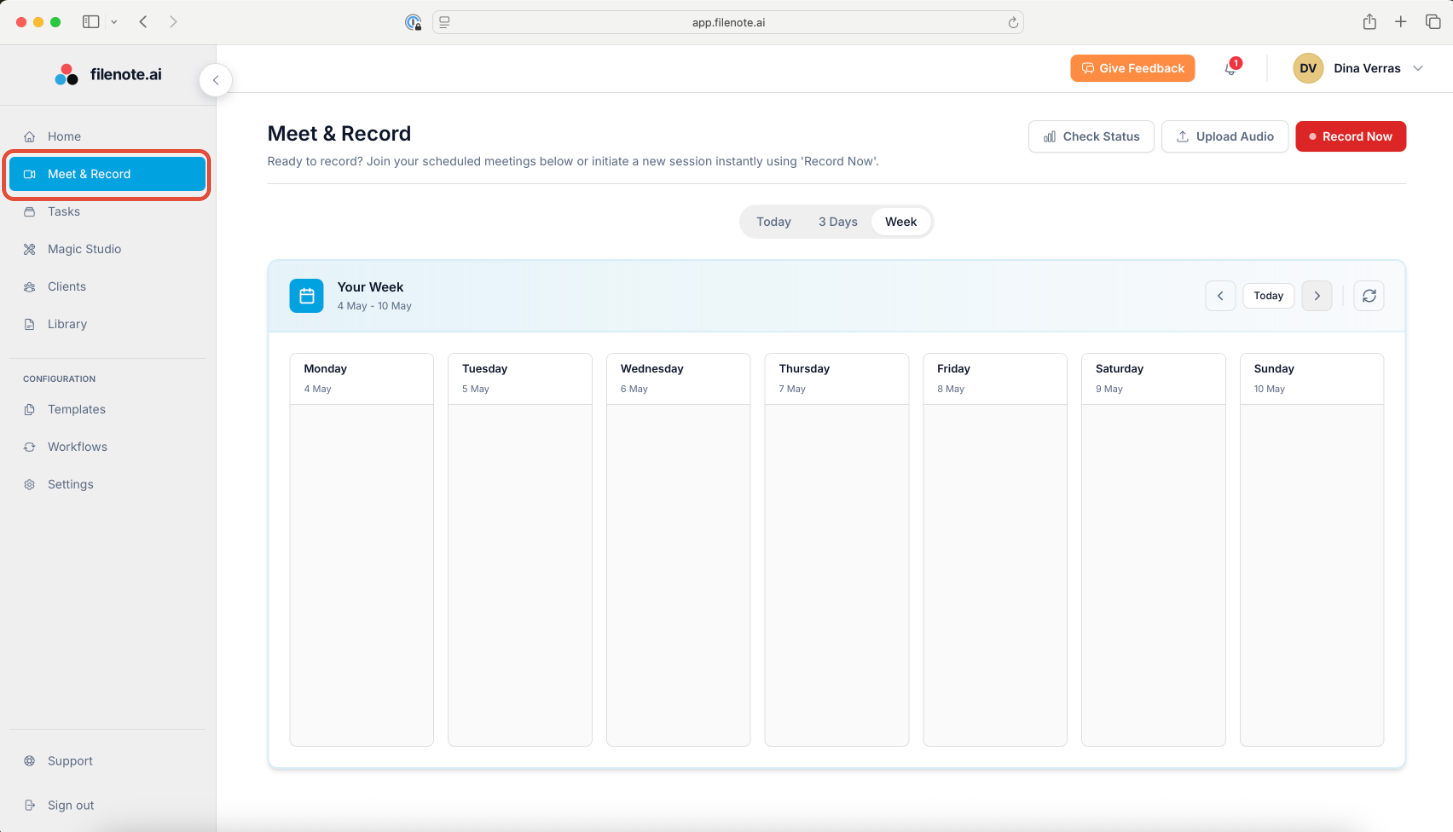
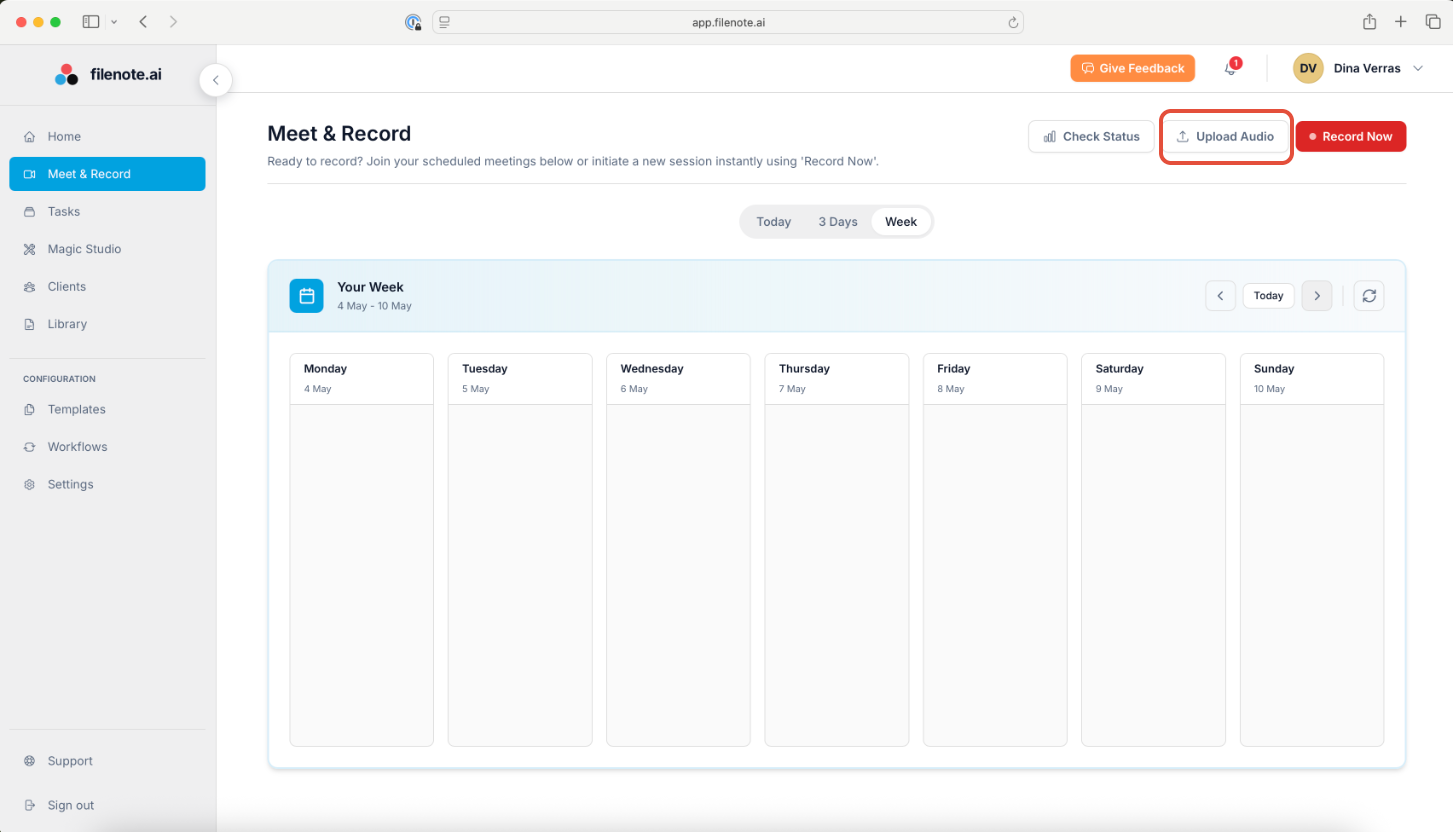
Initiate Upload: Select the Upload Audio button.
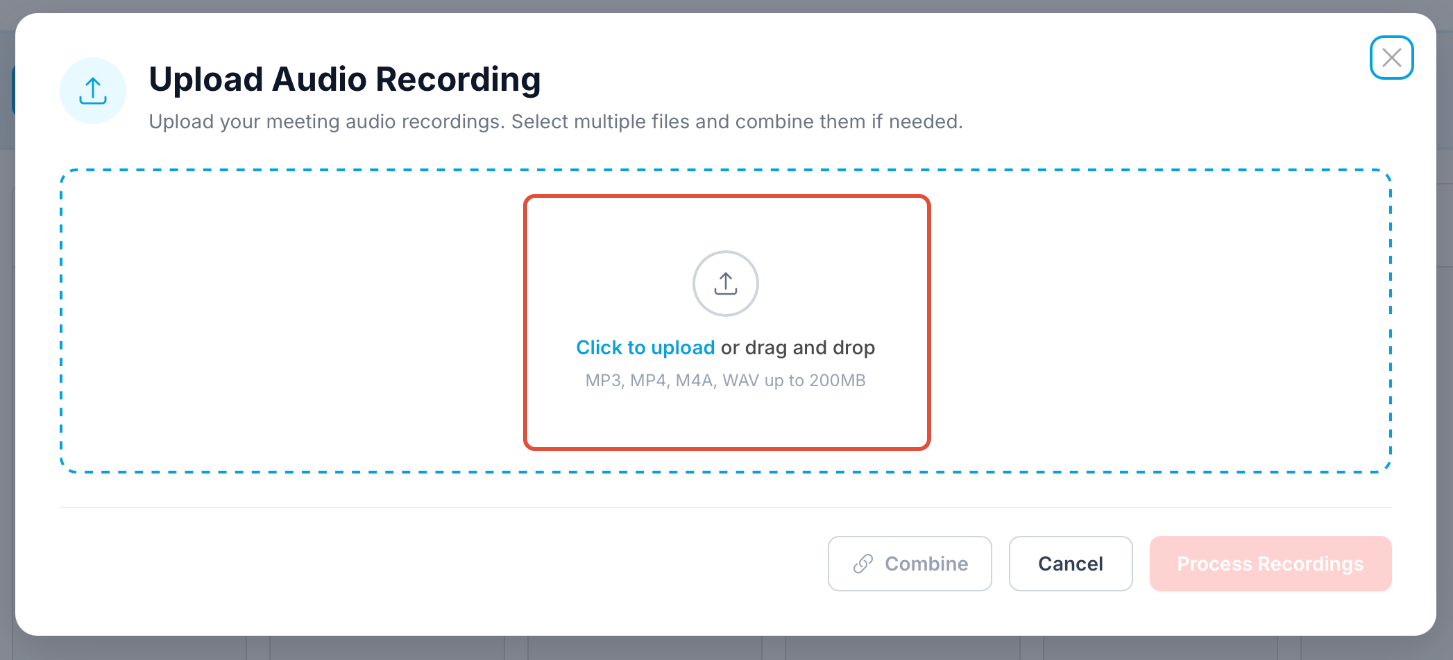
Add Files: You can either Click to Upload or simply Drag and Drop your audio file(s) into the upload area.
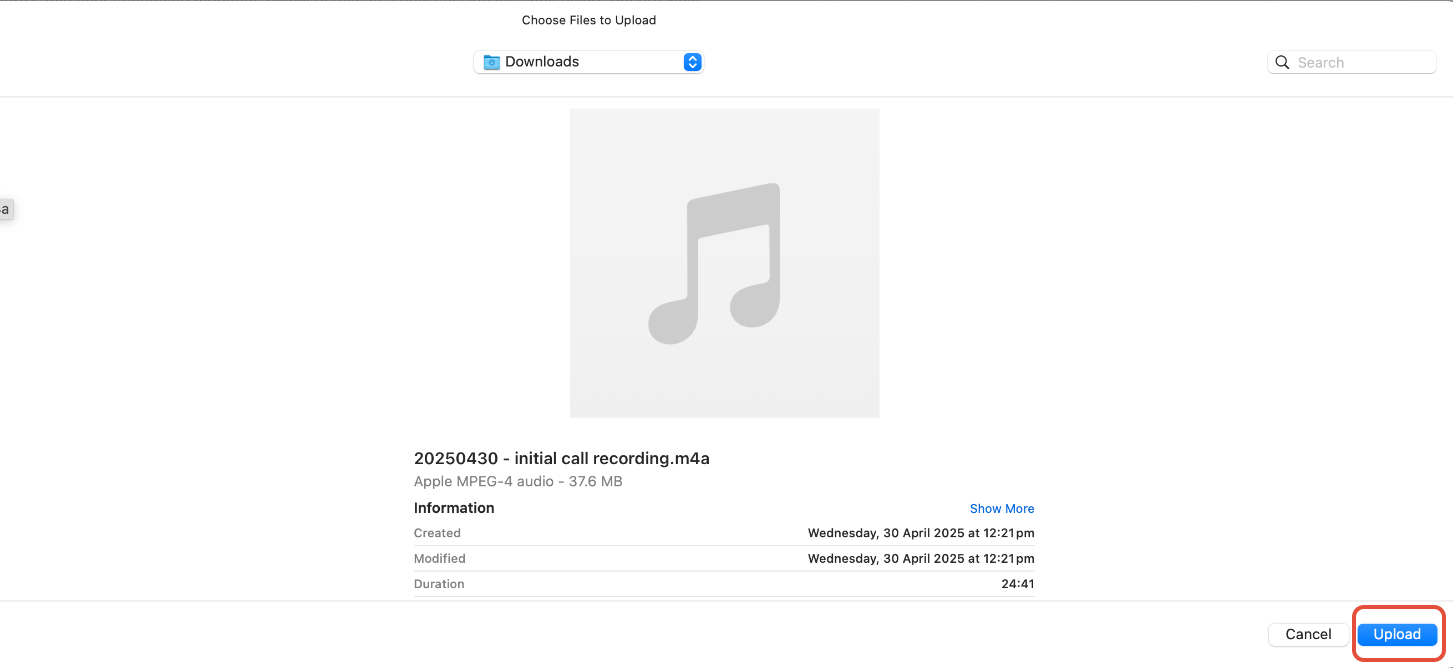
Confirm Files: Once you have selected the relevant audio file(s), select Upload.
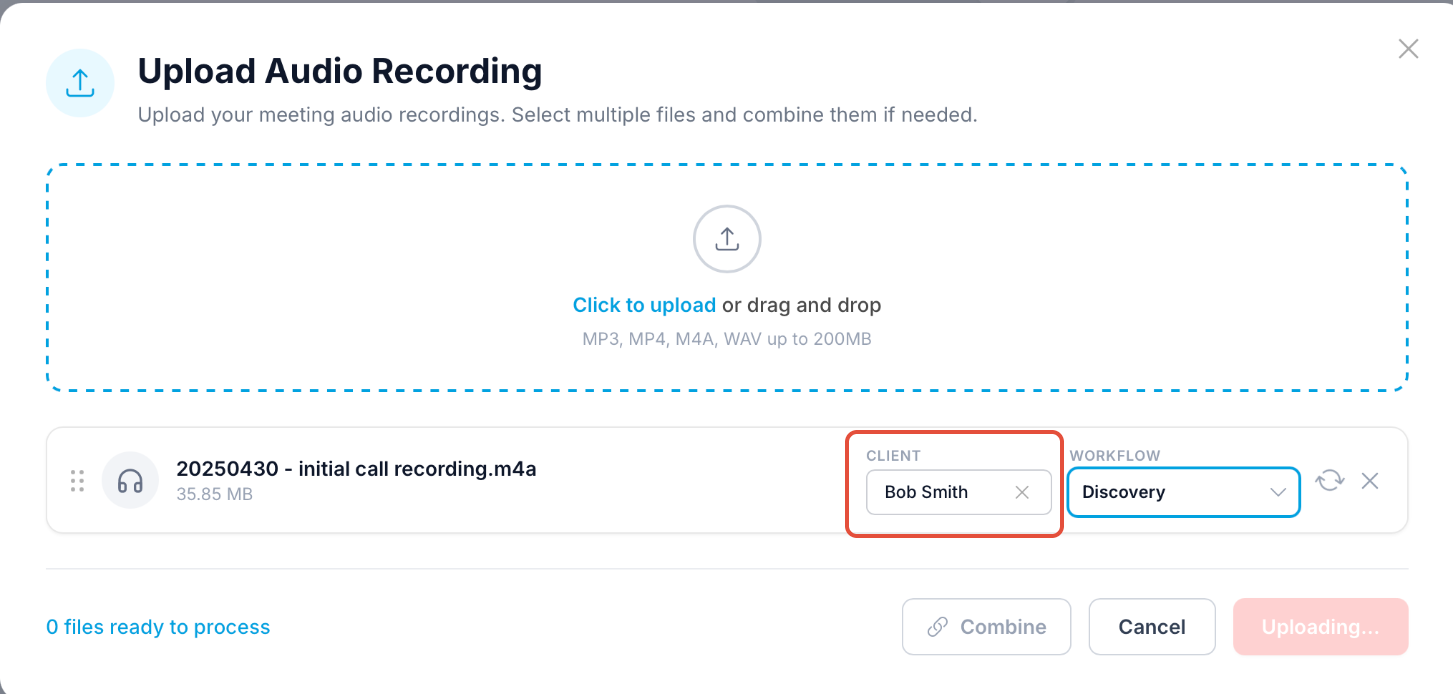
Assign the Client: Select the specific client from the dropdown menu.
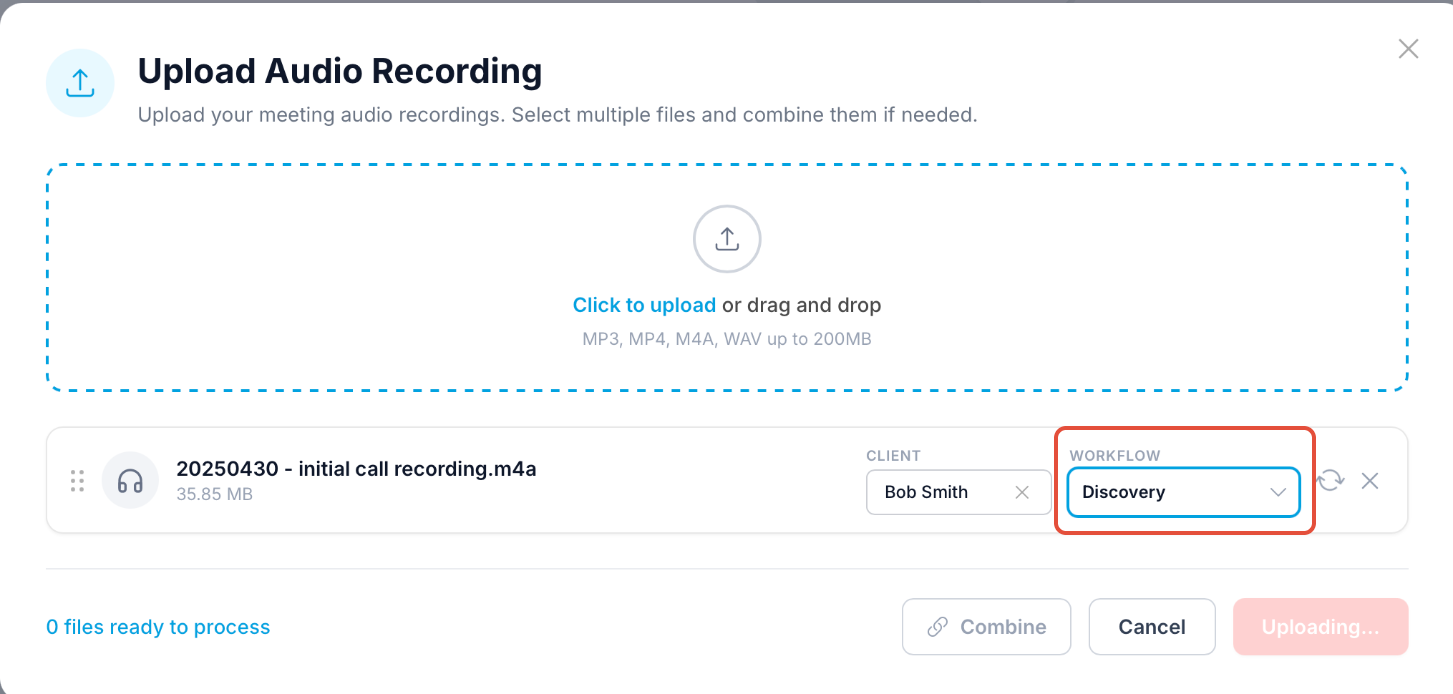
Select Workflow Stage: Choose the appropriate stage (e.g., Discovery, Strategy, Review). This determines which AI templates will be used to generate your output.
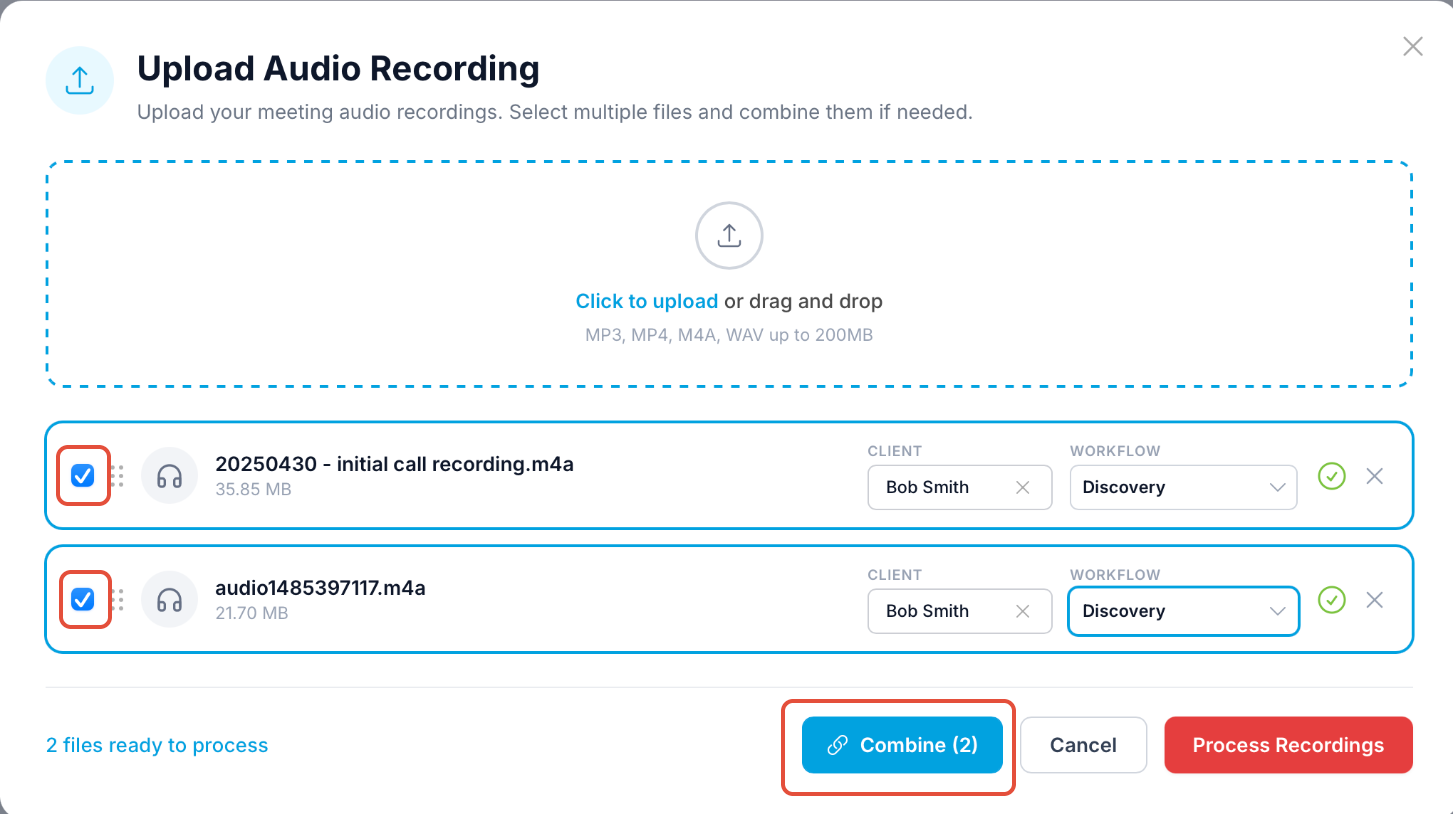
Combine Recordings (Optional): If your meeting was captured in multiple parts, select the option to Combine multiple recordings into one. The AI will stitch them together to provide a single, cohesive output.
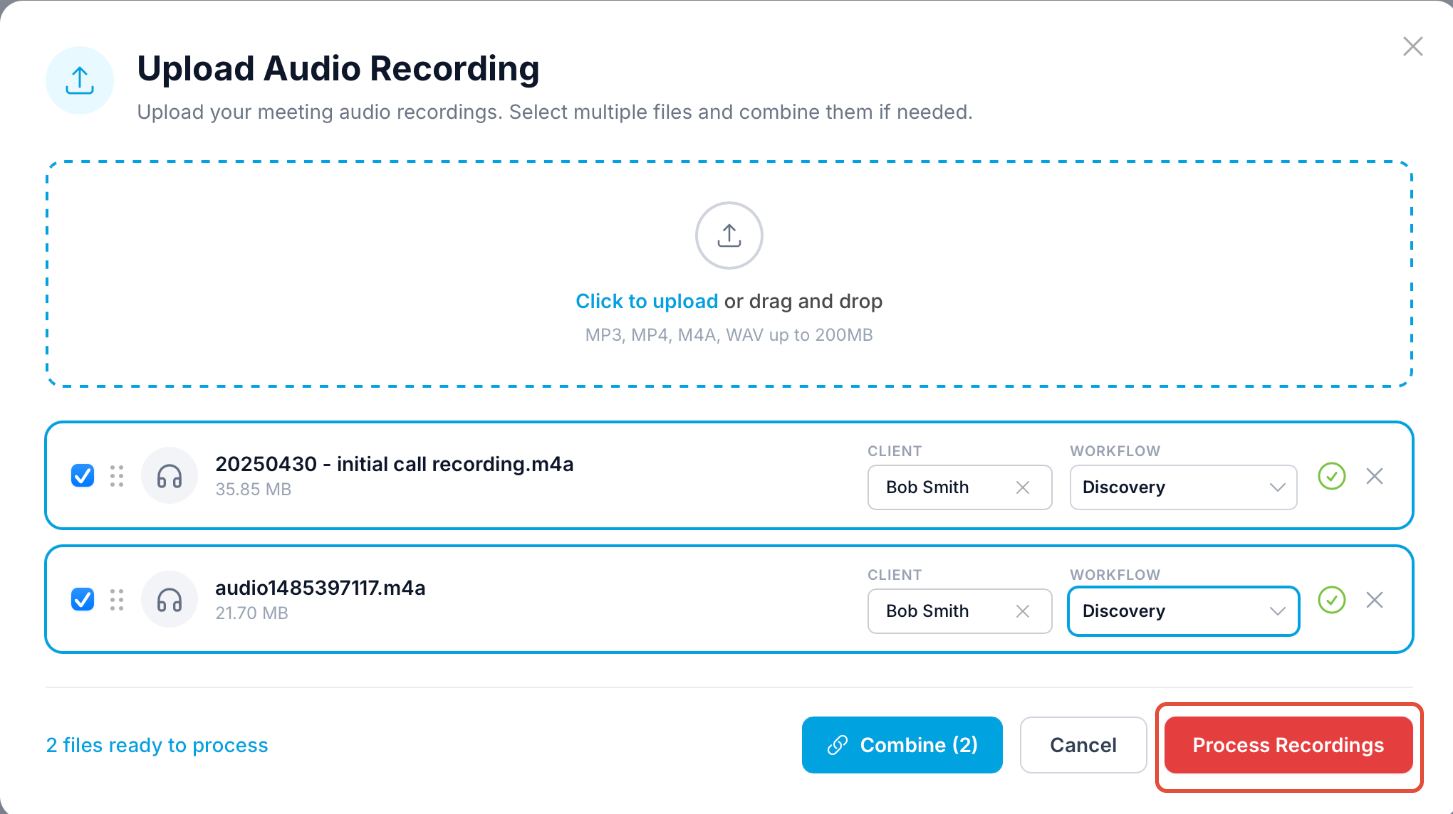
Process. Press the Process Recordings button to begin the AI processing.
What Happens Next?
Once the upload is complete, the Filenote AI engine gets to work. You don't need to stay on the page while it processes.
Processing: The system will transcribe, identify speakers, and apply your workflow templates.
Review: You will find the completed output in your Tasks section.
Finalise: From there, you can Review, Edit, and Finalise the documents.
Pro Tip: When to Use Manual Upload
This feature is perfect for uploading recorded phone calls directly from your iPhone or Samsung device, or for processing high-quality audio from dedicated dictation devices. If you’ve captured the conversation, Filenote AI can turn it into the output you desire.
Was this article helpful?
That’s Great!
Thank you for your feedback
Sorry! We couldn't be helpful
Thank you for your feedback
Feedback sent
We appreciate your effort and will try to fix the article