This article explains how to import client list from your CRM to Filenote AI
Step-by-Step Guide
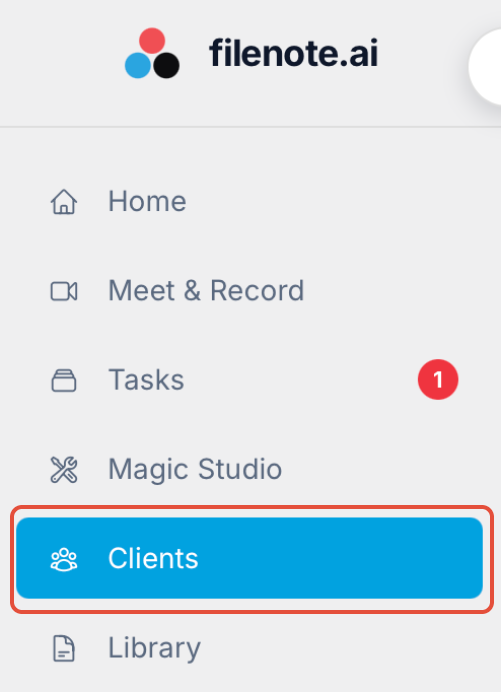
Navigate to Clients: Open the Clients tab located on the left-hand navigation menu.
Initiate Import: Select the Import Clients button at the top of the page.

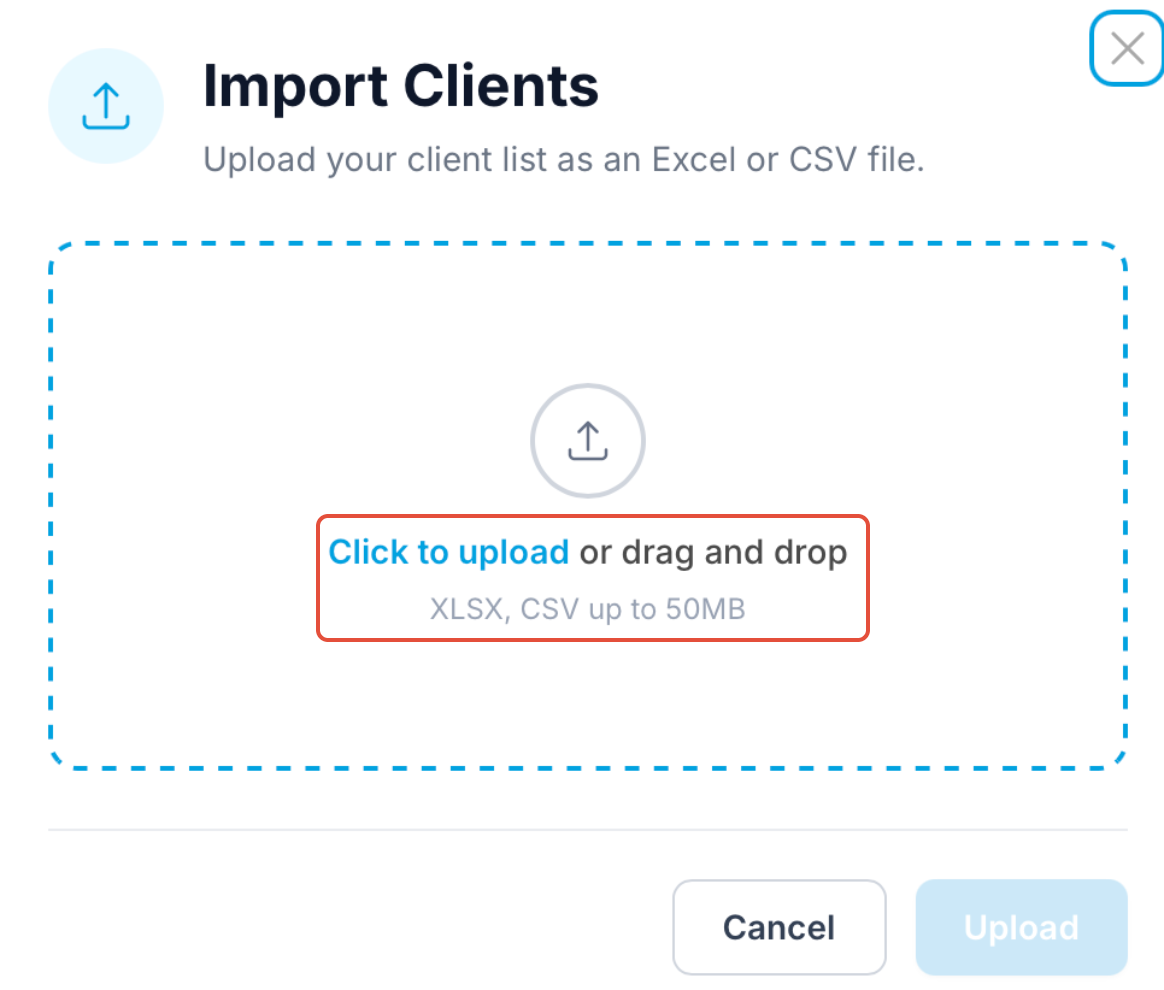
Upload Your File: Click to upload your client list.
Note: We currently support .xlsx or .csv files. Once selected, click the Upload button.
Map Your Data: Align the headers from your spreadsheet with the corresponding Client Categories in Filenote AI to ensure everything lands in the right place.
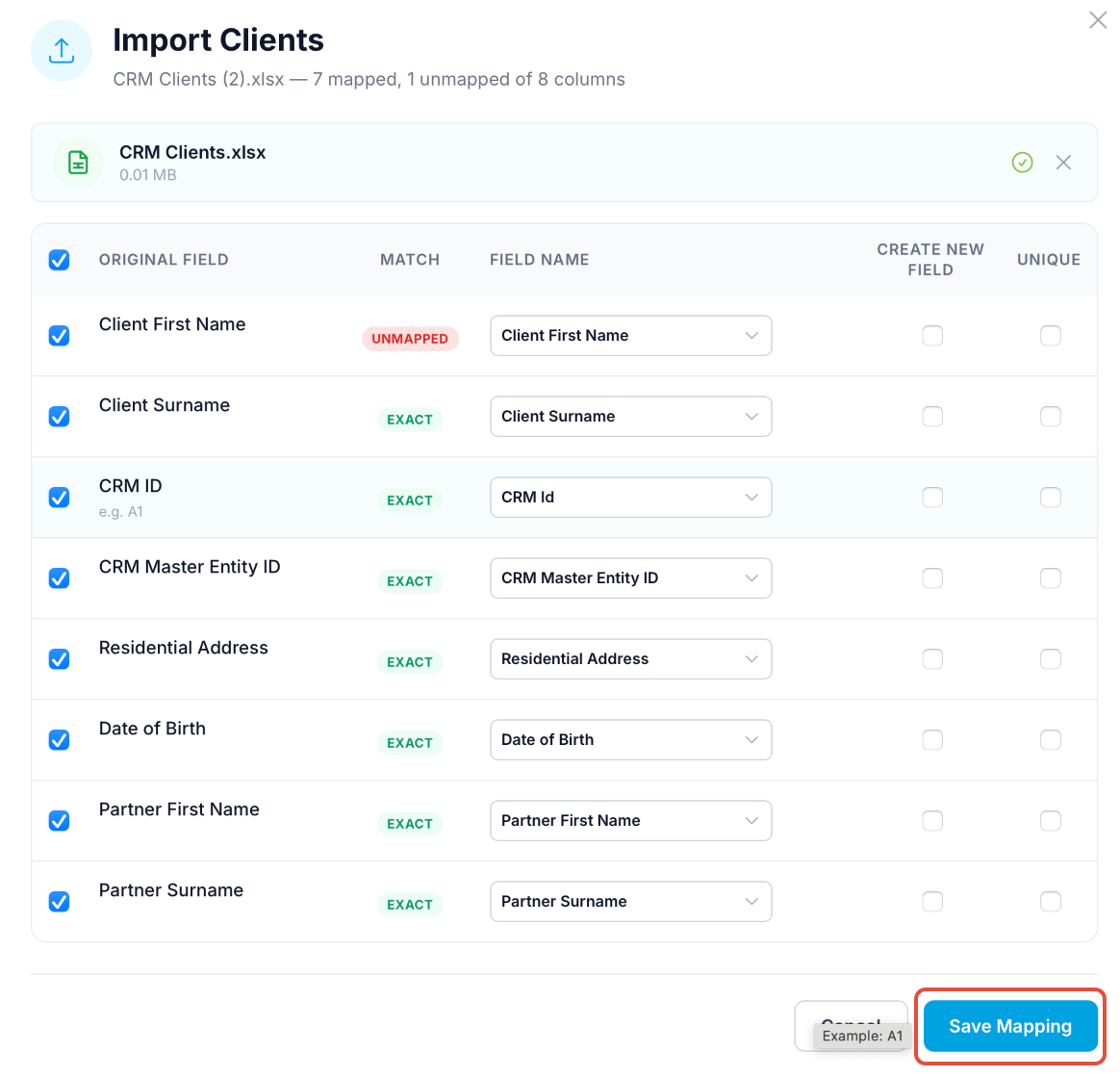
Finalize: Click Save Mapping to complete the import.
Was this article helpful?
That’s Great!
Thank you for your feedback
Sorry! We couldn't be helpful
Thank you for your feedback
Feedback sent
We appreciate your effort and will try to fix the article