Platform Release: May 2026
We are excited to introduce the Filenote AI Platform! Designed to help you easily generate and manage documents on demand, our new platform makes generating documents simple and quick and gives you the immediate ability to refine your outputs using the built-in AI tools.
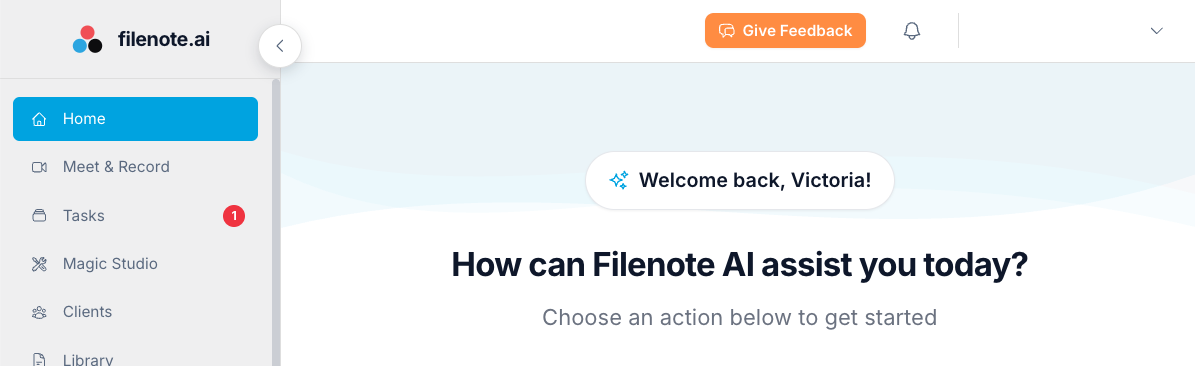
| ✓ Key Feature Access Magic Studio for on-demand document generation, configure automated workflows, and use the built-in AI editor to refine and perfect your outputs. |
Why You'll Love It
The platform streamlines how you interact with Filenote AI, giving you more control and visibility over your documentation.
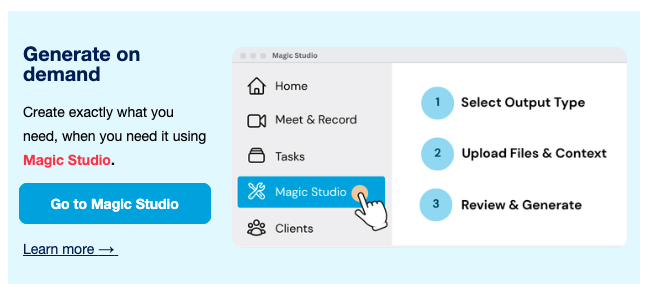
- Generate on Demand: Create exactly what you need, when you need it using Magic Studio. Learn more here: Generate On Demand
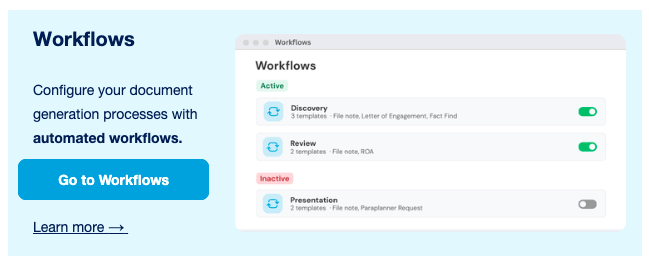
- Automated Workflows: Configure your document generation processes perfectly to match your exact business needs. Learn more here: Customise Workflows
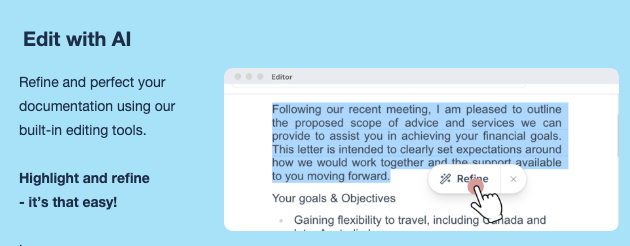
- Edit with AI: Highlight, refine, and perfect your documentation easily using built-in editing tools. Learn more here: Edit with AI
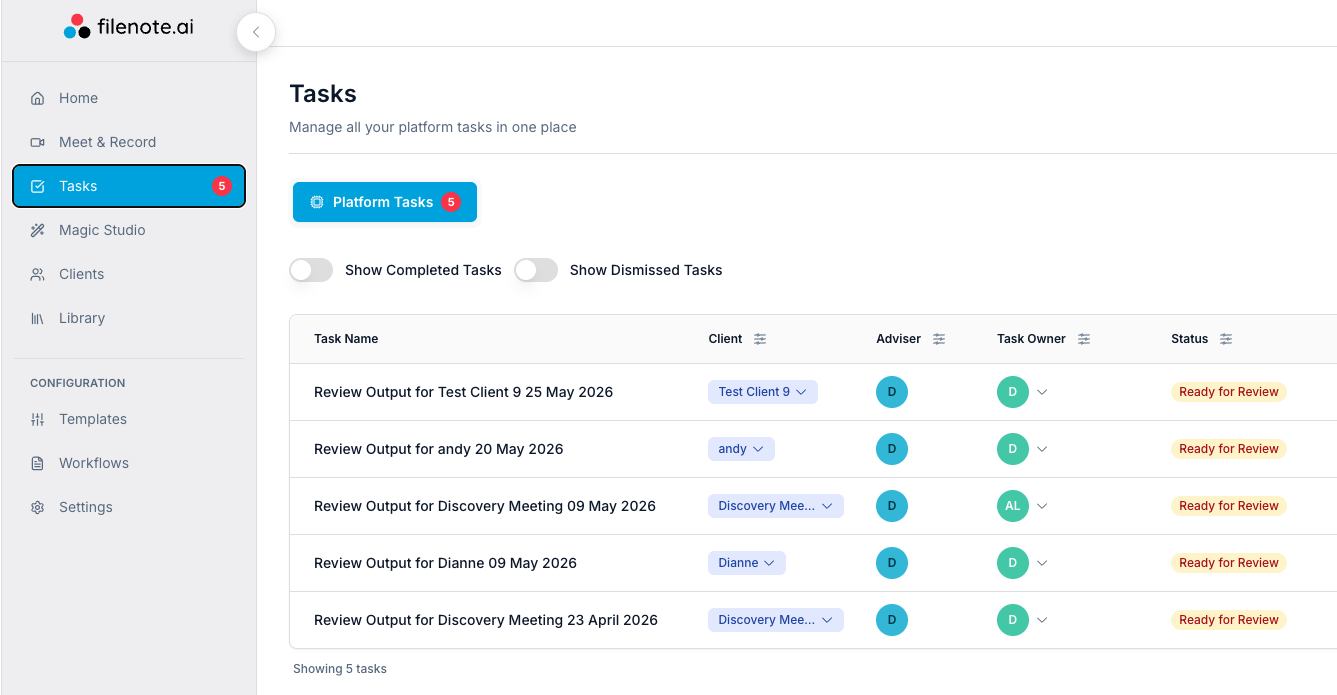
- Centralised Tasks: Generated items from Magic Studio will land directly in the Platform Tasks bar for easy review and finalisation. Learn more here: Using Magic Studio
| ⚠ Before You Start Your IT administrator must approve the application first. Please forward them this IT Admin Setup Link. Once approved, you can log in at app.filenote.ai using your Microsoft credentials. |
Ready to Start Connecting?
Getting set up is quick and easy. We have put together a comprehensive guide that walks you through connecting your Microsoft account and configuring your workflow settings.
| ? Read the Full Guide Click below to view our step-by-step instructions. Platform Getting Started Guide → |
Important Notes
- Delivery Logic: While outputs generated via Magic Studio appear in your Tasks bar, please note that your Teams recordings will continue to be delivered directly to you via email. You can set all outputs to go to platform in User Settings.
- User Types: Full Users (paid license) have full functionality to create and manage documents. Support Users (free license) can access assigned tasks and edit documents on behalf of paid users.
- Zoom Users: You can continue using Zoom for your meetings, however, you will still need to provision Microsoft access to use the Filenote AI platform.
| Need help? If you run into any issues or have questions, our support team is here to help. Email Support → |
Was this article helpful?
That’s Great!
Thank you for your feedback
Sorry! We couldn't be helpful
Thank you for your feedback
Feedback sent
We appreciate your effort and will try to fix the article